

Description
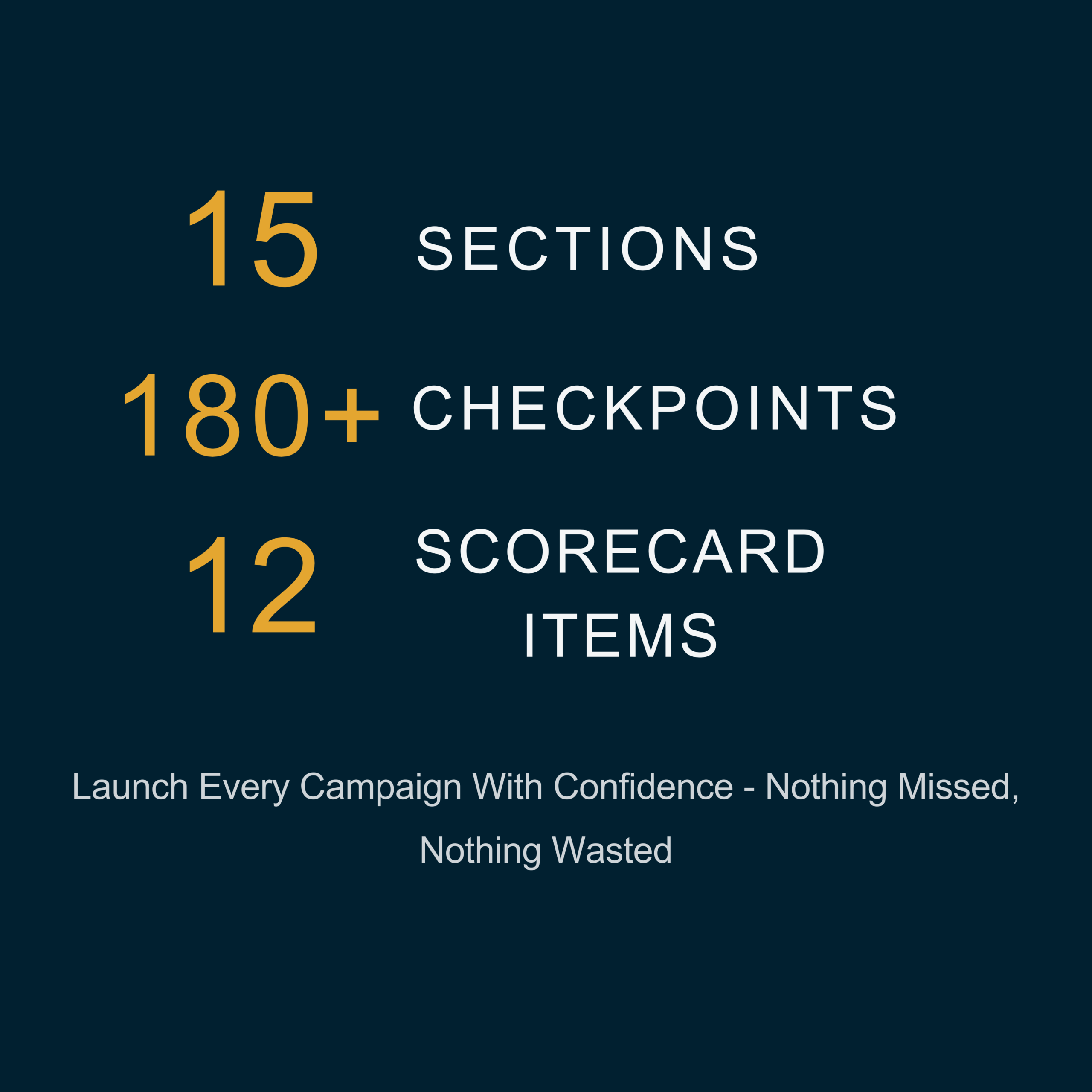
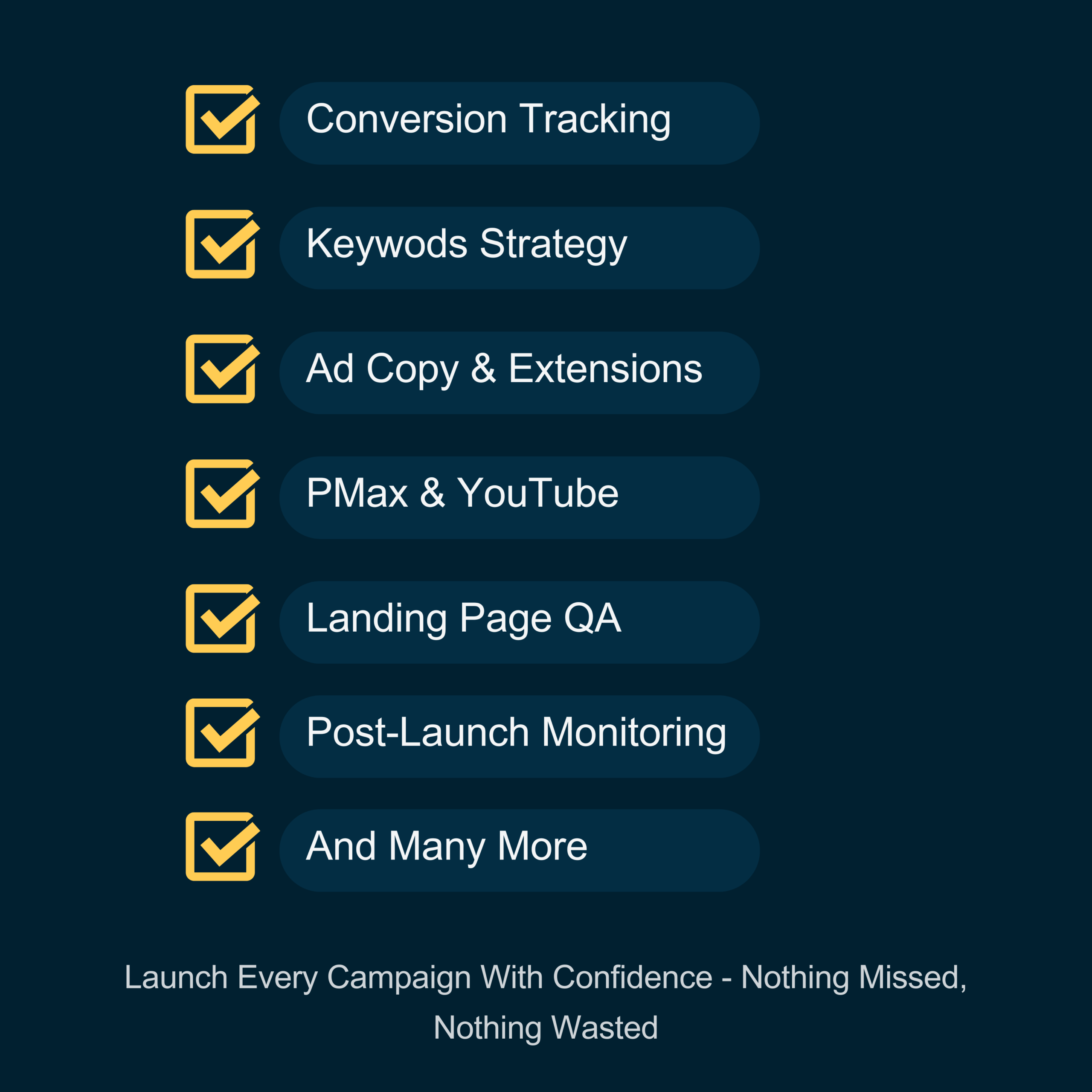
Launch Every Campaign With Confidence — Nothing Missed, Nothing Wasted.
15 sections. 150+ checkpoints. Every campaign type covered — Search, Display, Shopping, Performance Max, Demand Gen, and YouTube. Built from $30M+ in profitable ad spend so you never launch a campaign wondering if you forgot something.
Who Needs This Checklist?
- Freelancers managing client accounts — look professional by never missing a setting, a tracking tag, or a negative keyword
- Business owners running their own ads — stop guessing whether your campaign setup is right before you spend real money
- Junior marketers and career switchers — use this as your step-by-step launch companion every time you build a campaign
- Agency teams — standardize your QA process across every account your team touches
- DMBE students — pair this with the Essentials or Strategist Mastery course for maximum results
What’s Inside (15 Sections)
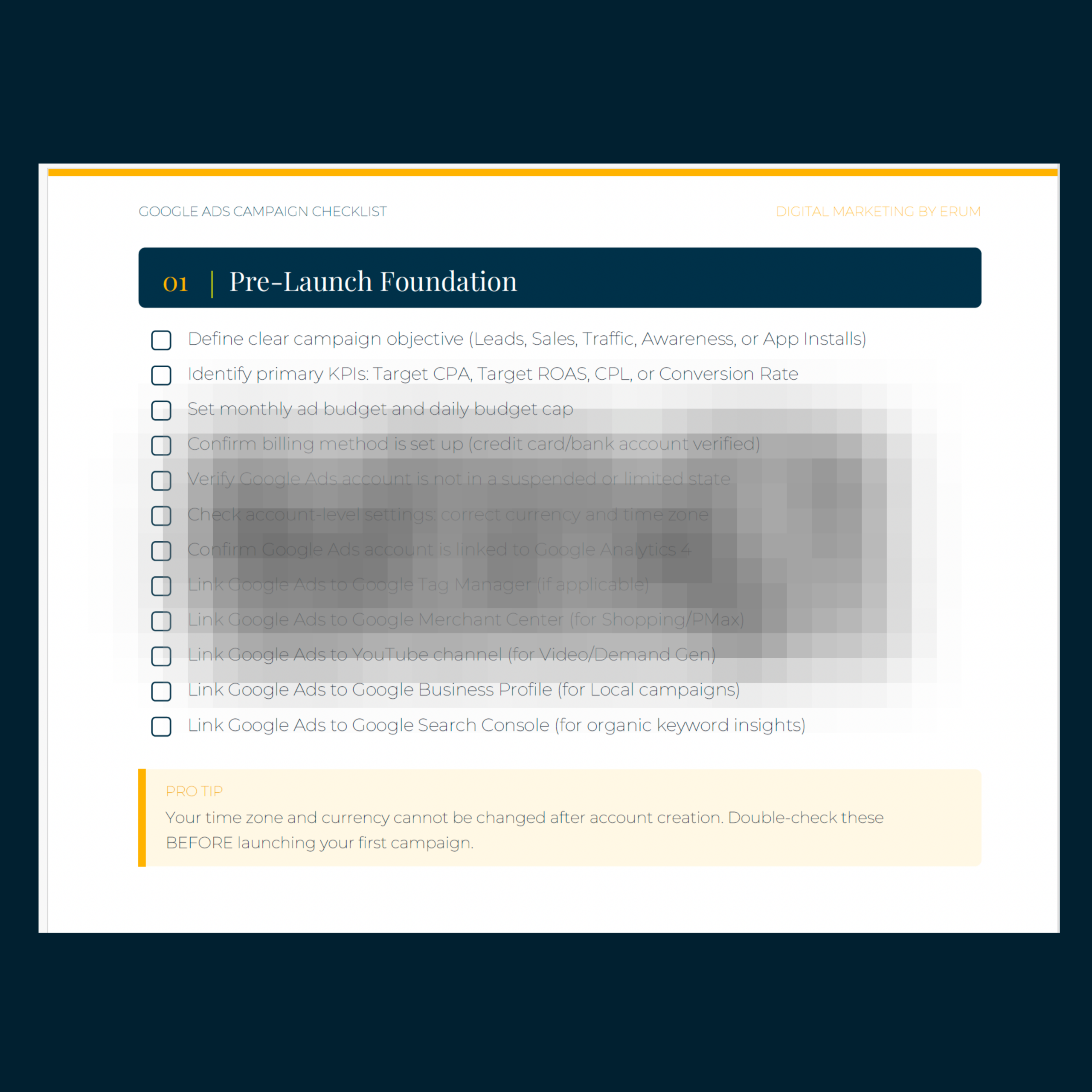
Objectives, KPIs, budgets, billing, account links (GA4, GTM, Merchant Center, YouTube, Search Console).
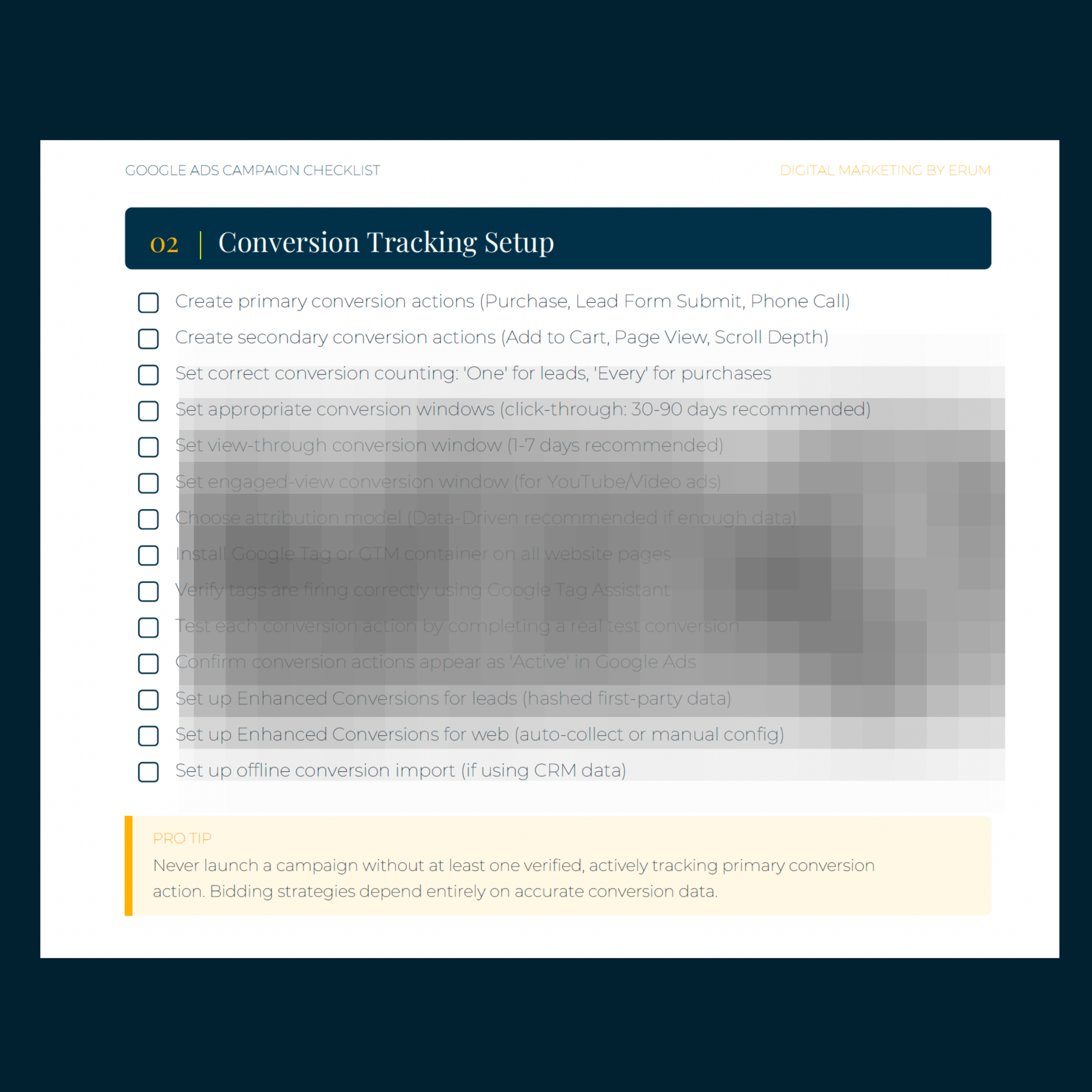
Primary/secondary actions, conversion windows, attribution models, Enhanced Conversions, offline imports, tag verification.
ICP definition, custom segments, remarketing, Customer Match, location/language/device/schedule settings.
Research, match types, ad group structure, negative keywords (campaign, ad group, and shared lists), Quality Score.
Campaign types, naming conventions, bidding strategy by data maturity, network settings, ad rotation, URL tracking.
RSA best practices (15 headlines, 4 descriptions), DKI, Ad Strength, image/video specs, policy compliance.
Sitelinks, callouts, structured snippets, call, location, price, promotion, lead form, image, and logo assets.
Speed, mobile responsiveness, message match, CTA placement, trust signals, form optimization, end-to-end testing.
Asset groups, image/video specs, audience signals, URL expansion, Merchant Center linking, search themes, brand exclusions.
Subtypes, video/carousel assets, audience segments, frequency caps, brand safety, placement exclusions.
Campaign subtypes, companion banners, content exclusions, 5-second hook rule, CPV vs. CPA bidding.
Daily budget math, bid strategy matching, portfolio strategies, CPC limits, learning period rules, pacing alerts.
Ad Preview Tool, URL checks, UTM verification, mobile/desktop testing, GA4 attribution, final policy review.
First 14 days: search terms, conversion recording, Quality Score, impression share, CTR benchmarks, learning period rules.
Weekly, bi-weekly, monthly, and quarterly tasks — the exact rhythm that keeps accounts profitable long-term.
12-point YES/NO final check. If any answer is NO — go back and fix it before you spend a single dollar. 12/12 = launch with confidence.
Pro Tips Included in Every Section
This isn’t a generic checklist pulled from Google’s help docs. Every section includes a Pro Tip — insights from $30M+ in managed ad spend that most tutorials and courses never teach. These are the mistakes that cost real money, and the shortcuts that save it.
Sample Pro Tips:
💡 “Never launch a campaign without at least one verified, actively tracking primary conversion action. Bidding strategies depend entirely on accurate conversion data.”
💡 “Always set location targeting to ‘Presence: People IN your target locations’ — not ‘Presence or Interest.’ The default setting wastes budget on people merely interested in your area.”
💡 “The biggest mistake new advertisers make is optimizing too early. The learning period exists because Google’s algorithm needs data to calibrate.”
Why This Checklist Exists
| ❌ Without a Checklist | ✅ With This Checklist |
| Forget conversion tracking → campaigns run blind | Every tag verified and tested before a single rupee is spent |
| Wrong location targeting → budget wasted on irrelevant regions | Location set to “Presence only” — targeting real people, not tourists |
| Optimize too early → reset the learning period | Post-launch plan: what to do on Day 1, Day 7, Day 14, and beyond |
| Launch and forget → performance degrades silently | Weekly/monthly/quarterly optimization cadence built in |
| Miss settings → Search Partners, Display Network left on by default | Every default setting reviewed and corrected before launch |
How to Use This Checklist
1. Print it out or open it on a second screen while you work inside Google Ads.
2. Check off each item as you complete it. Don’t skip ahead.
3. Pay special attention to the Pro Tips — they contain insights most courses never teach.
4. Use the Pre-Launch Scorecard for a final sanity check before clicking “Launch.”
5. Keep the Post-Launch and Ongoing Optimization sections handy for the first 90 days and beyond.
Built By a Practitioner, Not a Blogger
This checklist was built by Erum Shaheen, founder of Fuel Digital (a Google Ads agency) and Digital Marketing by Erum. Every checkpoint comes from managing real campaigns — $30M+ in profitable ad spend across e-commerce, B2B, SaaS, lead gen, and nonprofit accounts. 500+ students have already been trained using these systems.
Covers All Campaign Types:
Search • Display • Shopping • Performance Max • Demand Gen • YouTube / Video • App • Local • Call-Only — not every item applies to every type. Use your judgment and check what’s relevant to yours.
Frequently Asked Questions
Is this a course or a checklist?
This is a downloadable checklist (PDF), not a video course. It’s designed to sit beside you while you work inside Google Ads — a step-by-step launch and optimization companion. If you want the full training, pair it with Google Ads Essentials or Strategist Mastery.
Do I need prior Google Ads experience?
Basic familiarity with Google Ads helps, but the checklist is written clearly enough that someone going through the Essentials course alongside it will have no trouble following every step.
Does this cover Performance Max and Demand Gen?
Yes. Sections 9 and 10 are dedicated entirely to Performance Max and Demand Gen campaign setup, including asset specs, audience signals, URL expansion settings, and brand safety configurations.
Can I use this for client work?
Absolutely. Many freelancers and agency teams use this as their standard QA process before launching any client campaign. The Pre-Launch Scorecard is particularly useful for client sign-off.
How is this different from free checklists online?
Free checklists cover the basics. This one covers 150+ checkpoints across 15 sections, includes Pro Tips from $30M+ in managed ad spend, covers every campaign type including PMax and Demand Gen, and includes a scored Pre-Launch Scorecard. It’s the checklist used by a working agency, not a blog post turned into a PDF.
Reviews
There are no reviews yet.